 USD
 KES - Kenya

You have ordered a VPS. It arrives as a bare operating system and an IP address. What now?
Most of what turns that into a usable hosting server is licensed software, and the bill for it is usually a surprise. Here is the whole list, what each piece is actually for, and which of them you can skip.
The five you will meet
1. A control panel — you almost certainly want one
Without a panel, every job is a command: virtual hosts, mailboxes, certificates, backups, user accounts. With one, they are forms. If anyone other than you will touch the server, this is not optional.
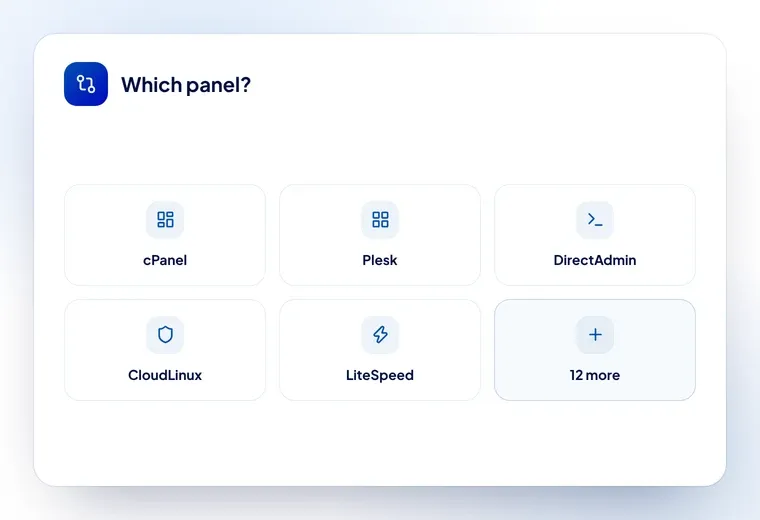
cPanel/WHM is the one most developers know. Plesk is the strongest on Windows. DirectAdmin is lighter and cheaper. CyberPanel and CWP are free, and genuinely capable if you are comfortable fixing things yourself.
→ cPanel · Plesk · DirectAdmin
2. Account isolation — only if you host other people
CloudLinux puts every account in its own lightweight container with its own CPU, memory and process limits. The effect is that one badly written site cannot take down the other forty on the server.
If the server hosts only your own sites, skip it. If you are selling hosting, it is the difference between one customer’s problem and everyone’s.
3. Security — worth it the first time it saves you
Imunify360 does malware scanning, a web application firewall and automatic cleanup. CXS is a lighter intrusion-detection and file-scanning tool. Either will find the thing an outdated plugin let in before your customer does.
→ Imunify360 · CXS
4. Caching — if speed is the product
LiteSpeed replaces Apache and caches at server level rather than through a PHP plugin. For WordPress sites it is the single biggest difference you can make without changing the site itself.
5. Billing — only when you are selling
WHMCS handles orders, invoices, renewals and account creation. Below about ten customers you can manage without it. Above that you cannot, and you will know.
→ WHMCS
The add-ons people forget
- JetBackup — scheduled, restorable backups with a panel of their own
- Softaculous — the one-click installer customers expect
- SitePad — a drag-and-drop site builder, which sells shared plans
- WHMReseller or DAReseller — if your customers want to resell
- KernelCare — kernel patches without rebooting the server
- MSFE — a front end for MailScanner, if you run your own mail filtering
Three realistic stacks
Your own sites on a VPS
A panel, and nothing else. CyberPanel if you want free, DirectAdmin or cPanel if you want familiar. One licence, or none.
Hosting a handful of clients
Panel + CloudLinux + a security suite. Three licences. This is the configuration most small hosts actually run, and it is where shared licensing changes the economics most.
Running a hosting business
Panel + CloudLinux + security + LiteSpeed + WHMCS, with JetBackup and Softaculous on top. Six or seven licences — bought direct, routinely more than the server; bought as shared licences, a manageable line.
What it costs
Shared licences here start at $2.16 a month for the add-ons and $7.55 a month for a control panel, with everything in between on the licenses page.
If you are buying the server at the same time, a cPanel VPS has the panel in the price and arrives on one invoice — which is one renewal to remember instead of two.
The one rule that catches people
A licence covers one server, identified by its IP. A second machine needs a second licence, and moving to a new machine means telling us so the licence moves with you. One IP change is free.