 USD
 KES - Kenya

Guide
What is license sharing?
A shared license gives you the full, genuine product on your own server from $2.16 a month — far less than buying it direct from the vendor. Here is how it works, what you get, and what to watch for.
License sharing explained
Server software — cPanel, Plesk, LiteSpeed, CloudLinux, WHMCS and the add-ons that sit alongside them — is licensed per server and billed monthly, and the list prices have climbed steeply over the past few years. For a reseller or a developer running one or two machines, the control panel can end up costing more than the server it runs on.
License sharing is the market's answer to that. Licenses are bought in volume and issued to individual servers, so one machine pays a fraction of the direct price for the same product.
What you actually receive
The vendor's own software, unmodified. You install the release the vendor publishes, your server validates its license against a licensing server, and from then on the product behaves exactly as a directly bought copy does: the same features, the same admin interface, the same updates arriving from the vendor. What differs is the licensing arrangement behind it, not the software.
What a license covers
One server, identified by its IP address. That is why we ask for the IP before issuing a license, why a second server needs a second license, and why moving to a new machine means telling us so the license can be moved across. Beyond whatever limits the product itself sets, there is no cap on the accounts, domains or sites you host on that server.
Where it came from
Shared licensing grew out of the control-panel price rises of the past few years — cPanel's shift to per-account pricing in particular — which left small hosts and resellers paying more for the panel than for the hardware. The arrangement exists to keep that kind of business viable, and that is still who it suits best: resellers, developers, agencies and small hosting companies running a handful of servers rather than a fleet.
Is a shared license legal, and is it safe?
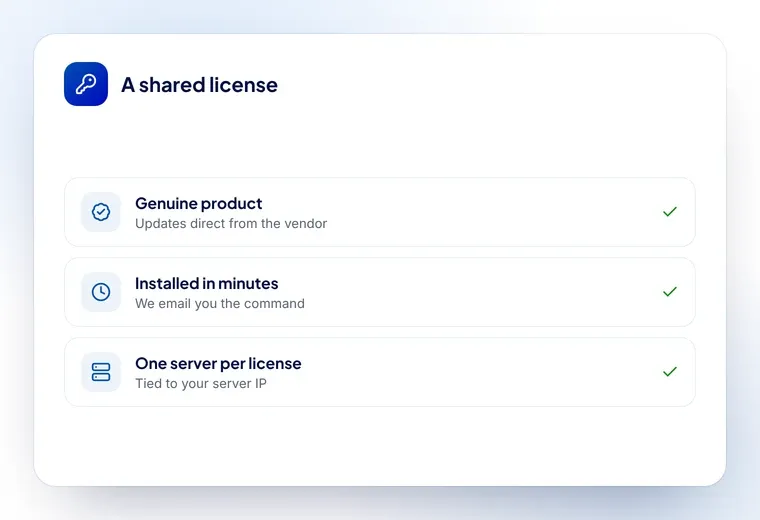
The software is the genuine product. What differs is how the license is issued: instead of buying a single license direct from the vendor at list price, you are covered by a licensing arrangement that costs a fraction of that.
- The product is unmodified. You install the vendor’s own release, and updates come from the vendor’s servers rather than from us.
- Nothing is cracked or patched. Only the license file differs; every other file on your server is the one the vendor shipped.
- It is tied to one server IP. A license covers the machine it was issued for, which is why we ask for the IP and why moving servers means telling us.
If you are running a business on the server, the practical questions are whether updates keep arriving and whether support answers. Both do.
Which licenses does a server actually need?
It depends what the server does.
A server hosting your own sites
A control panel is optional. If you want one, cPanel or DirectAdmin covers it. Add LiteSpeed if speed matters, and CloudLinux if several sites share the machine.
A server hosting clients
cPanel with WHM, so each client gets their own account. CloudLinux to stop one client’s site slowing everyone else down. LiteSpeed for speed, and Imunify360 if you would rather not watch for malware yourself.
A hosting business
All of the above plus WHMCS for billing and account creation, and JetBackup if you are promising clients restorable backups.
If you are not sure, tell us what the server runs and we will say which licenses it needs — including the ones it does not.
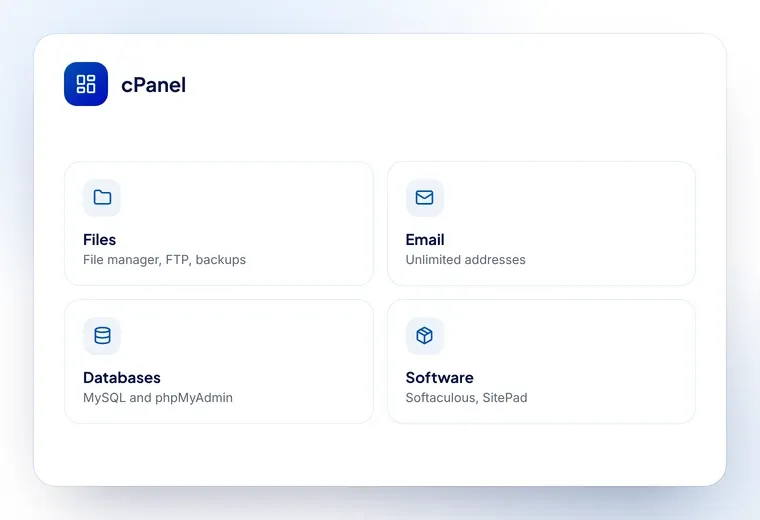
Licenses we sell
Every control panel, security and add-on license available from Hostsawa.
Ready to get started?
Order a license online, or ask us which one fits your server.