 USD
 KES - Kenya

Contact us
Talk to Hostsawa
Support tickets and live chat are answered around the clock. Sales questions before you buy are answered just as quickly.
- Support ticket, answered 24/7
- Live chat with the team
- Email sales or support
- Free help choosing a plan
- Tickets 24/7
- Live chat
- Email us
- Real engineers
How to reach us
Support ticket
The fastest route for anything technical. Open a ticket from the client area and it reaches the engineers directly.
Live chat
Use the chat button on any page for quick questions — whether a plan fits, whether a license covers your server, how a migration works.
[email protected] for questions before you buy, [email protected] for everything else.
Phone
Our global customers are supported by ticket and live chat around the clock.
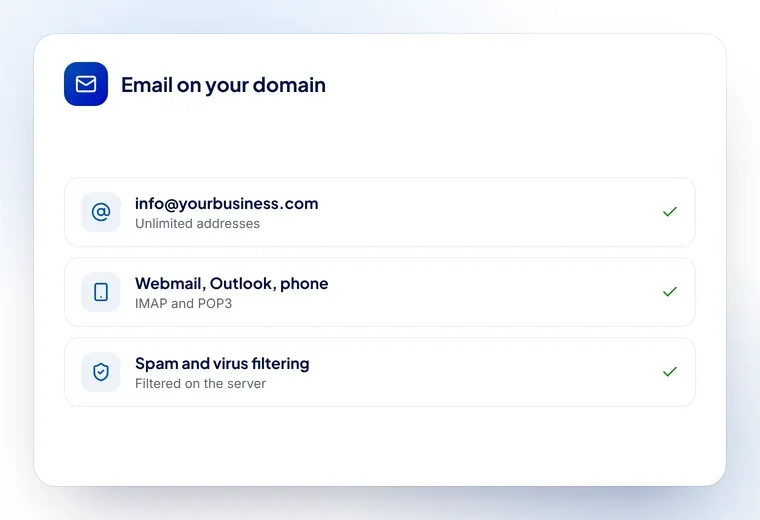
Before you contact us
A few things that will get you an answer faster:
- If it is about a specific service, open the ticket from the client area so we can see the account
- For a license problem, tell us the server IP the license is installed on
- For a migration, tell us your current host and whether you have cPanel access there
- For a sales question, tell us roughly what you are building and we will recommend a plan
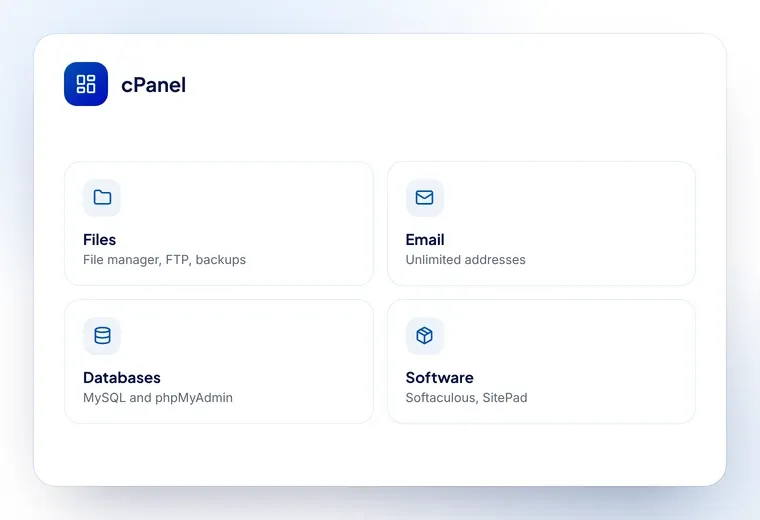
Things you can do without us
Most of what people open a ticket for is already in the client area, and doing it yourself is faster than waiting for anyone — including us.
- Change a password, add a mailbox, install WordPress — cPanel, from the client area
- Restore a backup — cPanel keeps automatic backups you can restore yourself
- Point a domain somewhere else — DNS records are yours to edit, at no charge
- Upgrade a plan — from the client area; nothing moves and nothing goes down
- Get an invoice or a receipt — every one is in the billing section
If any of those does not do what you expect, that is exactly when to open a ticket.
What we need for the common requests
Moving a site to us
Your current host, the cPanel login there if you have one, and the domains involved. We do the rest, at no charge, usually without downtime.
Installing a license
The server IP, and root access if you would like us to install it for you. The license is normally live within minutes of the order.
A site that is slow or down
The URL, roughly when it started, and whether anything changed — a plugin, an update, a DNS edit. That usually tells us where to look first.
A domain question
The domain name, and who it is registered with today.
Common requests
You may be able to sort it yourself in a minute.
Frequently asked questions
How quickly do you reply?
Tickets and live chat are covered around the clock. Most questions are answered within minutes, and technical work follows as soon as we have what we need from you.
Can you help me choose a plan?
Yes, and it costs nothing. Tell us what you are building and how much traffic you expect, and we will tell you which plan fits — including if a cheaper one is enough.
Do you help with migrations?
Yes, free of charge. Open a ticket after you order and we will move your site, databases and email from your current host.
Can I get help installing a license?
Yes. Open a ticket with your server IP after ordering and our team will install it for you at no extra cost.
Ready when you are
Open a ticket or start a chat and we will take it from there.